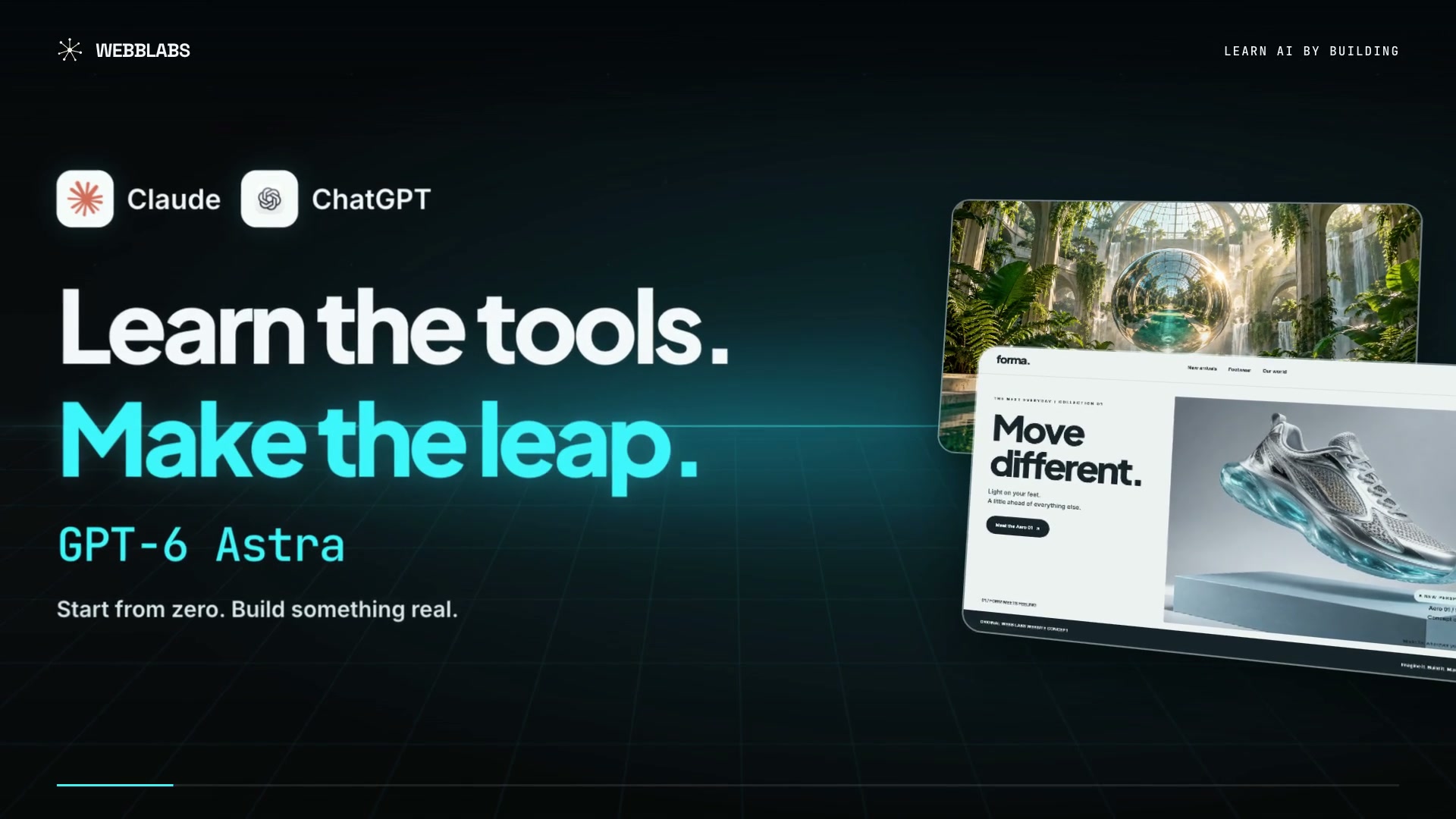
What if the Moon had a twin?
Set it to 4 episodes and add “end each one on a cliffhanger” to your idea.
Finish line: a four-part series from one sentence. WEBBLABSSTEP 00 / 06Join the 30-Day Challenge
 YOU COMMENTED FACTORY. YOU’RE IN.
Higgsfield Content Factory turns one “What if…” question into a short animated video. It writes the story, draws it, voices it and adds the captions. This guide walks you through it, click by click.
Show me the steps ↓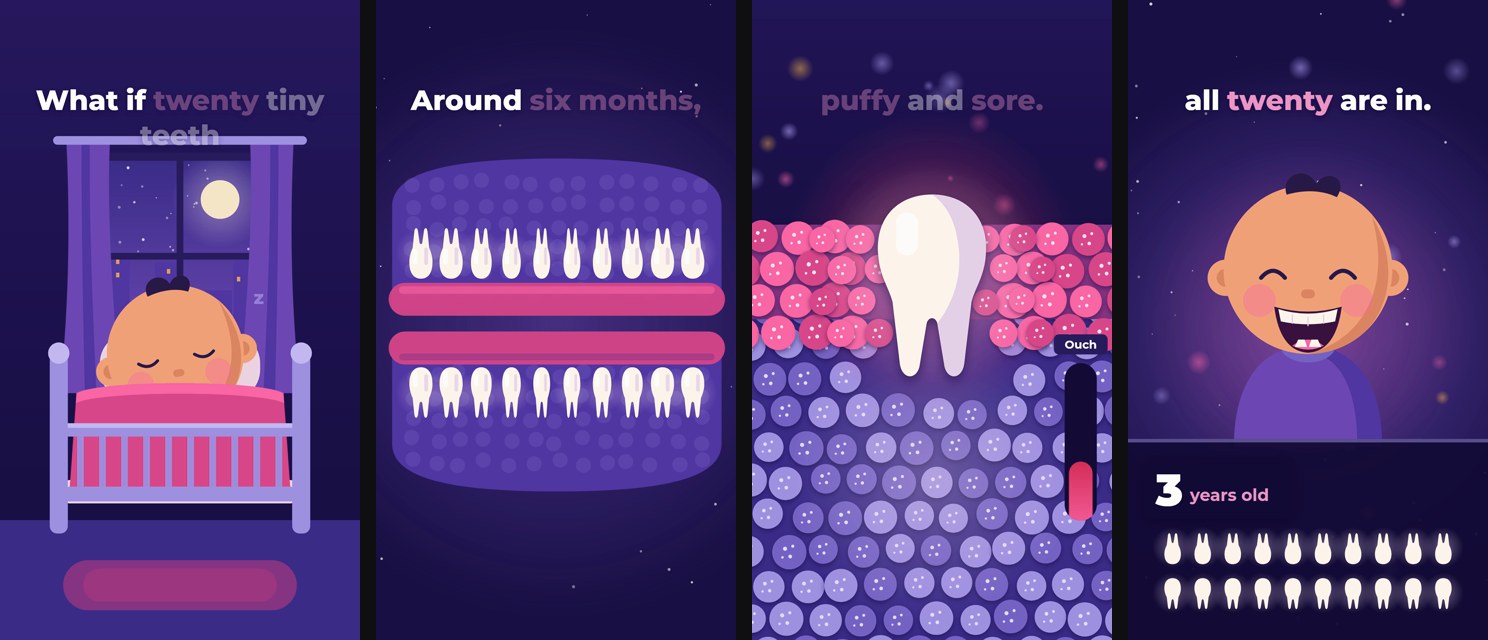
Made in Claude, where only the voice costs credits. About 11 cents on the Plus plan.
Content Factory is a tool inside Higgsfield, a site for making AI images and videos. You type one question that starts with “What if…”, pick a look you like, and it makes the whole video: the story, the drawings, the voice, the captions and the edit.
The looks come from shorts that already went viral on TikTok and Instagram. You borrow the style and the pacing. Your story is your own.
Higgsfield says to fact-check anything about science, health or history before you post it. Step 05 shows how to check.
Open Content Factory.
On higgsfield.ai.
Pick a style.
One that already went viral.
Type your what if.
One question, one mood.
Set the length.
And check the price.
Generate and check it.
Every fact, sound on.
The cheaper way.
Make it in Claude.
Higgsfield’s own post prices it on the Plus plan: $49 a month for 1,000 credits. Check the pricing page first, because deals change. There are two ways to make a video, and they cost very different amounts:
A 30-second video shows about 31.5 credits, roughly $1.50 on Plus. The easiest way to start.
Claude draws the video and only the voice uses credits. Kaleb’s 33-second one cost 2.3 credits.
Go to higgsfield.ai and sign in. Click Content Factory in the top menu, then pick Generate here.
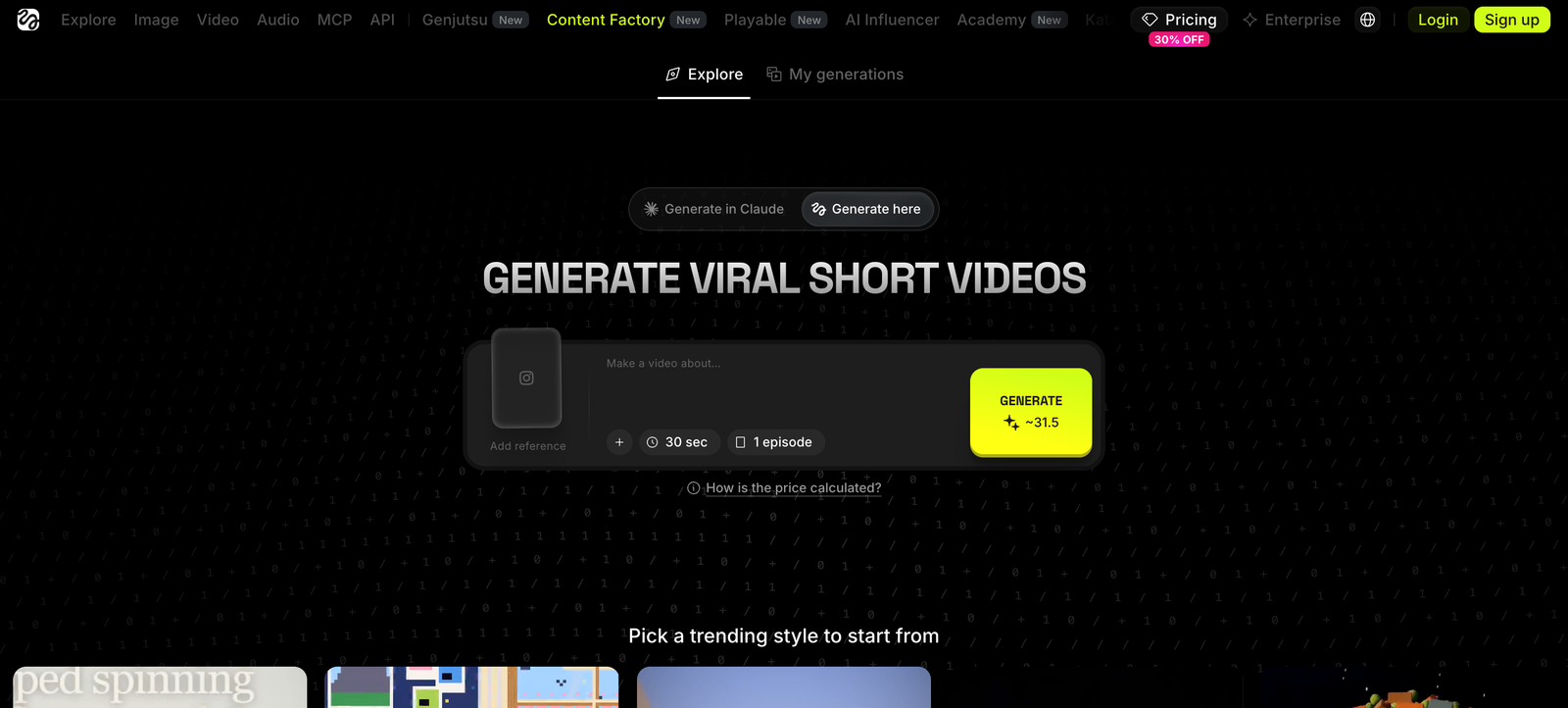
Two tabs sit above the big headline. Generate here makes the video right on the website. Generate in Claude is the cheaper way, and Step 06 shows it. Start with Generate here. It’s the easiest.
Scroll down to “Pick a trending style to start from.” Each card is a short that already went viral, with its views and likes in the corner.
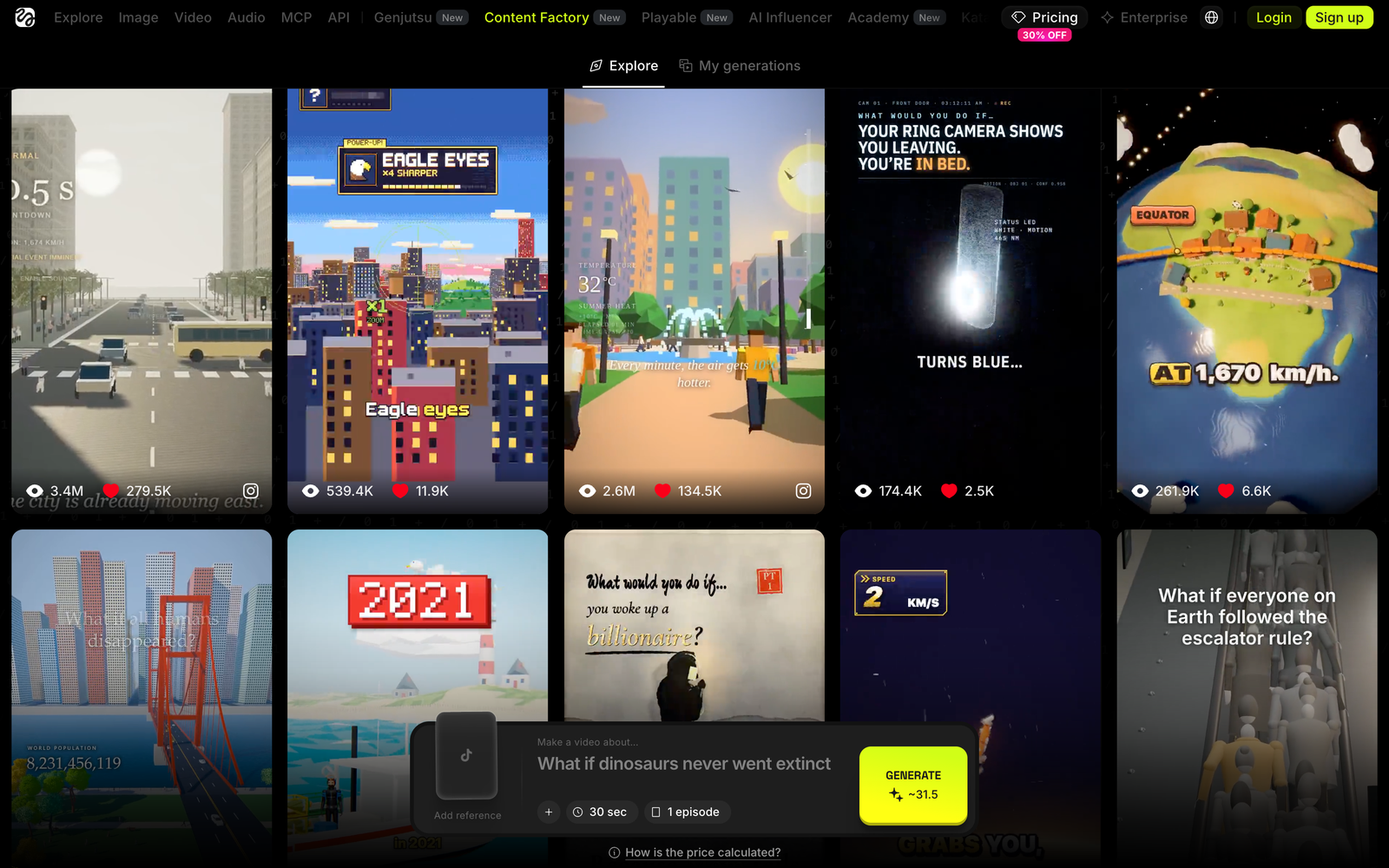
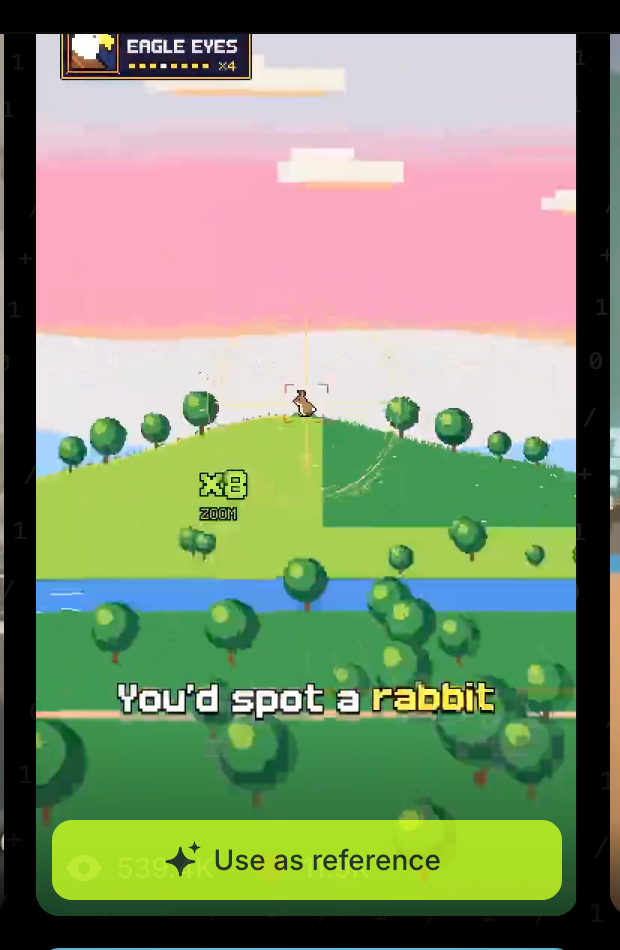
Pick the one you’d stop scrolling for, then click Use as reference. Content Factory copies its look and its pacing. Your story is new. It won’t copy the words or the characters.
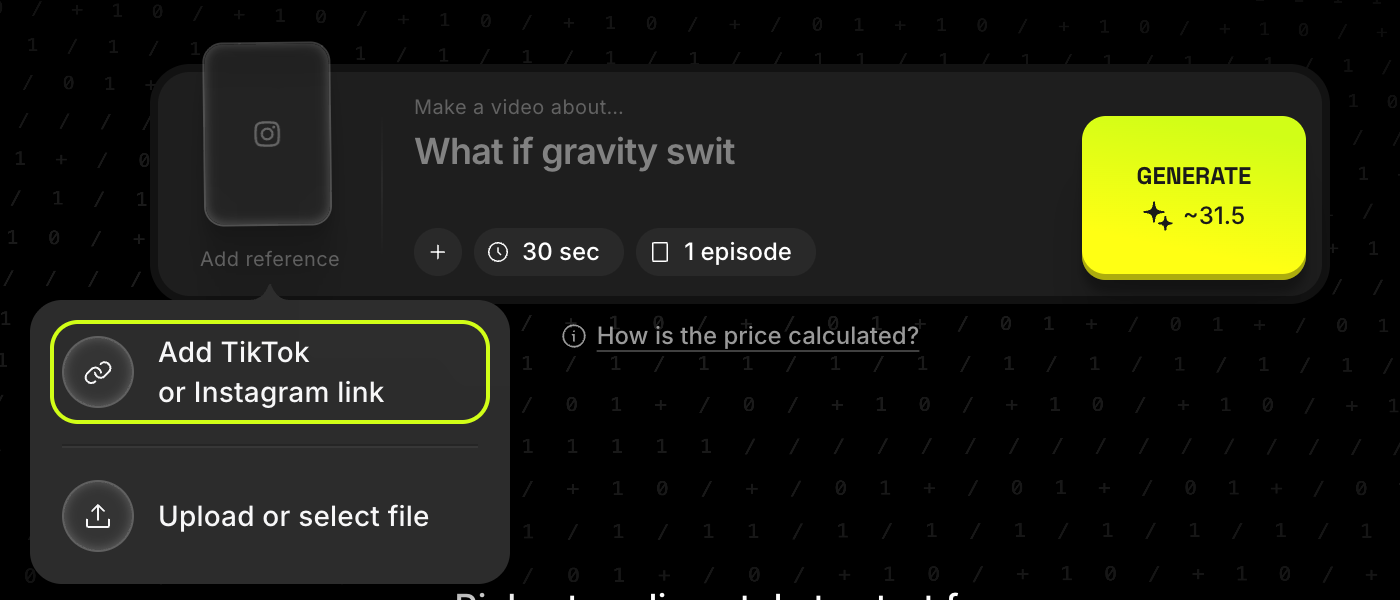
Saw a style you love on TikTok or Instagram? Click Add reference on the left of the box and paste the link instead.
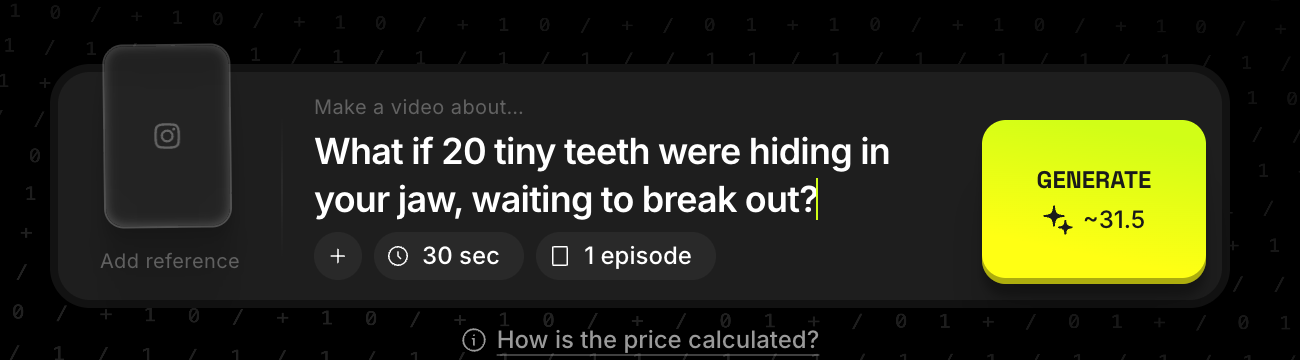
One clear question that starts with “What if.” Say the mood. Say how it should end.
The best ones have one thing that changes and keeps getting bigger. “What if the Moon had a twin?” works. “Tell me about space” doesn’t. Higgsfield’s own tips say the same: one question, a story that builds, and a mood you name.
That’s the opening line of Kaleb’s first video. Swap in your own. These fields stay in this browser.
What if [YOUR WHAT IF]? Keep it [THE MOOD]. End on [THE ENDING].
Click the clock to pick a length, from 15 seconds to 5 minutes. Click episodes to make 1 to 4 in one go.
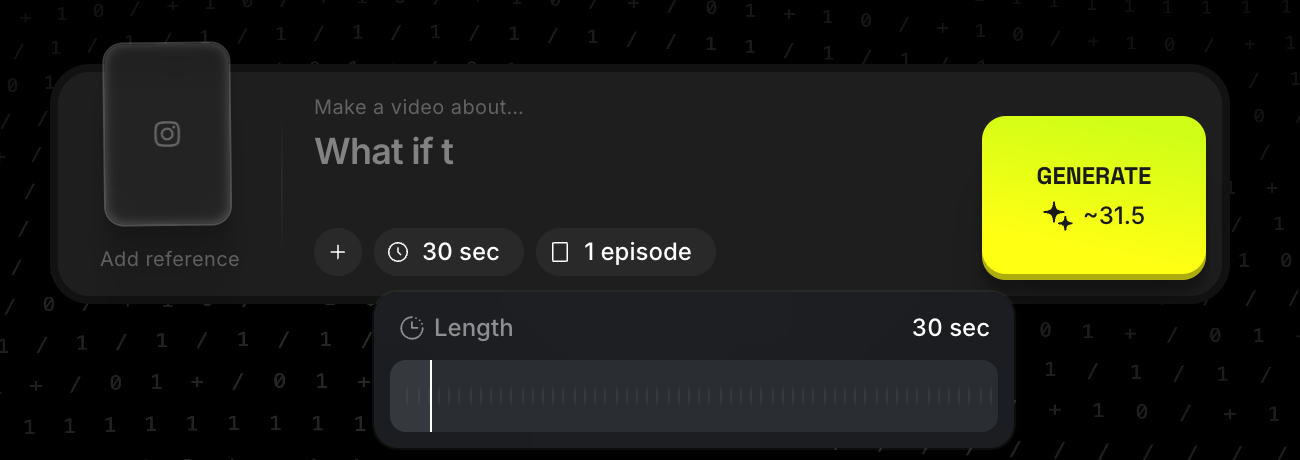
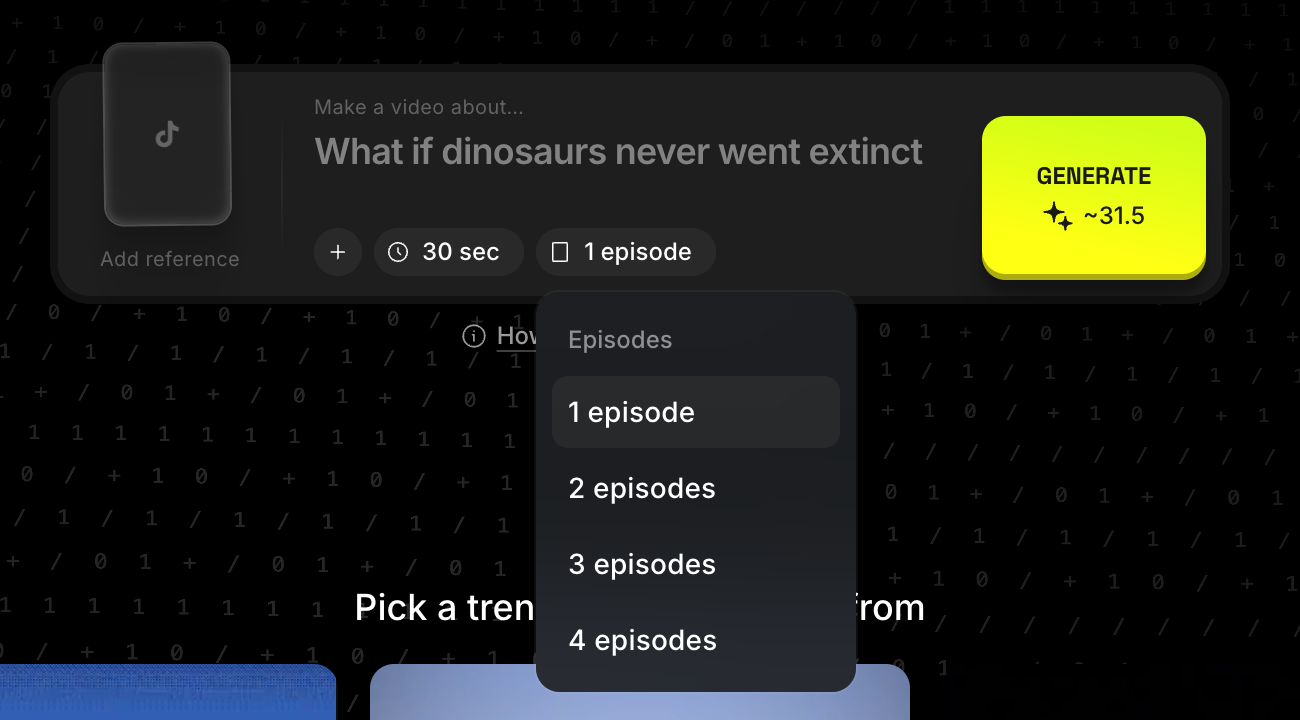
The Generate button shows the price before you spend anything. On the website it’s about 1 credit for every second of video, times the number of episodes. 30 seconds and 1 episode shows about 31.5 credits. Start there.
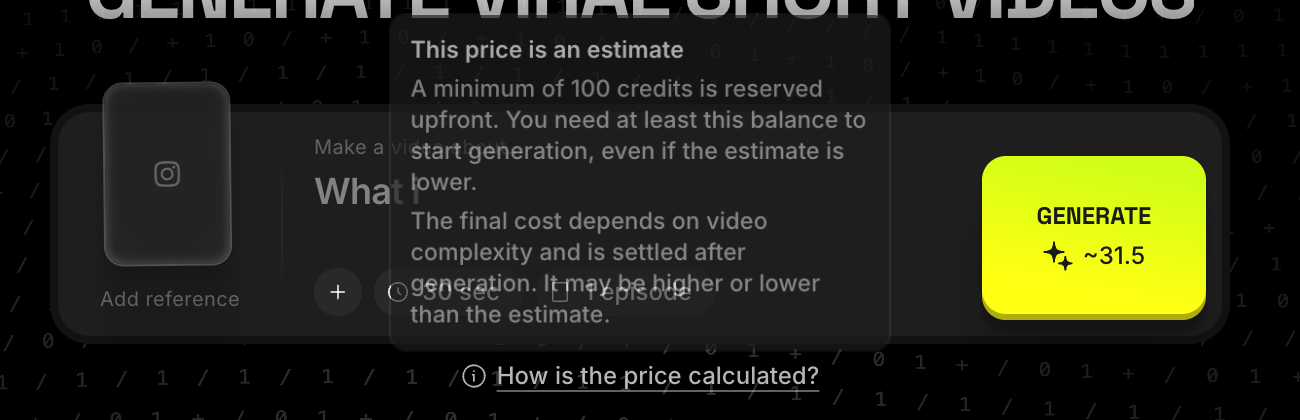
Read the small print once: you need at least 100 credits in your account to start, even for a short video. The final price can land a little above or below the estimate.
Click Generate. It takes a few minutes. Your video shows up under My generations at the top of the page.
Watch it all the way through with the sound on before you post it. The voice sounds sure of itself even when it’s wrong, so check every fact, the same way you’d check a friend’s story. If a line is off, change your question and run it again.
Connect Higgsfield to Claude once. After that you type one line and Claude makes the video. Only the voice costs credits.
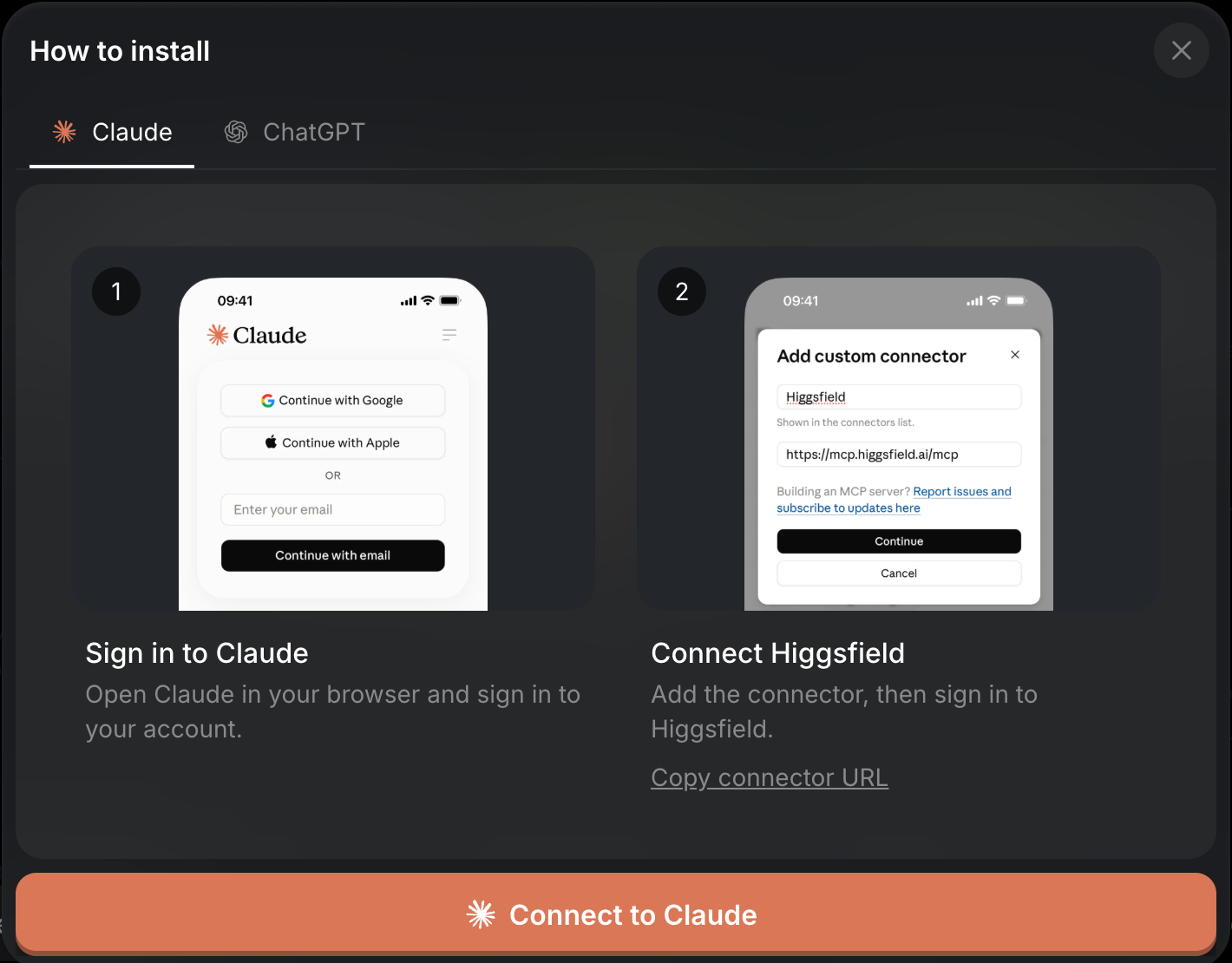
https://mcp.higgsfield.ai/mcp
/content-factory What if [YOUR WHAT IF]? Keep it [THE MOOD]. End on [THE ENDING].
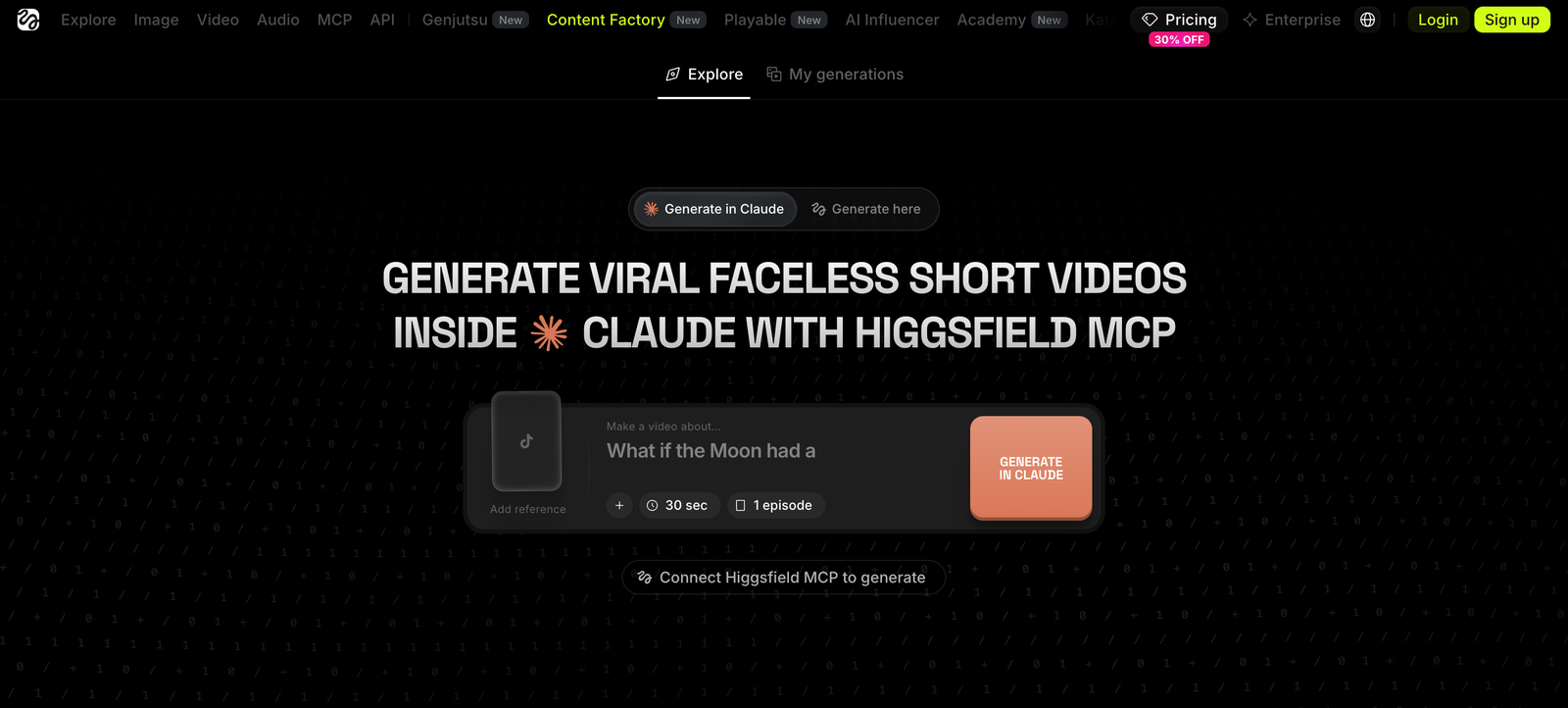
This way, Claude draws every frame itself and only the voice uses credits. Kaleb’s 33-second video cost 2.3 credits, about 11 cents on the Plus plan. Free Claude lets you add one connection like this. Kaleb used a paid Claude plan, and long videos can run into the free plan’s limits.
Same steps, different jobs. These are ideas to borrow. Change the details to yours.
What if the Moon had a twin?
Set it to 4 episodes and add “end each one on a cliffhanger” to your idea.
Finish line: a four-part series from one sentence.What if every bee disappeared tomorrow?
Pick a calm style, ask for a serious mood, and check every fact before you show it.
Finish line: a one-minute explainer you can play for a class.What if your cat could text you?
Pick the silliest style you can find and ask for a funny twist at the end.
Finish line: a 30-second short to post tonight.Learn Claude and ChatGPT with GPT-6 Astra from zero. Make videos in Higgsfield, build websites with Codex, and give Grok Bot a useful job. One build a day.
 Claude
 ChatGPT · GPT-6 AstraHiggsfield
 Codex
 Grok Bot
Claude + ChatGPT with GPT-6 Astra. Memory, projects, a website and a second brain.
Higgsfield, Codex and Grok Bot. Videos, websites, apps and agents.
Try it on your own. Keep what you made.
Full build-alongs, every prompt and every file in one place. Start from zero and keep this Season’s lessons for good.
Share your work with the cohort. Get an answer from the Desk within 24 hours when you get stuck.
8 ready-to-install assistants, your own finished builds, and a certificate for completing the Challenge.
Watching is free. Building is your choice. Every build shows its cost before you start. Some tools have separate paid plans. See the current Season, full details and completion guarantee on the Challenge page.